


Plesk is a graphical web-based hosting control panel that makes creating and managing websites on your VPS much easier. With Plesk, websites can be easily created and managed, and it is, for example, simple to create a website or FTP user.
Plesk from TransIP always comes with AlmaLinux, Ubuntu, or Debian installed as the underlying OS.
Power User view vs Service Provider view
Plesk offers several different options to display the Plesk interface. The most commonly used are the 'Power User view' and 'Service Provider view'. The 'Power User View' is the default for Plesk Web Pro and the 'Service Provider view' for the Web Host edition.
For our knowledge base articles, we use the 'Power User view' (unless stated otherwise). You can switch between the two at any time in Plesk under 'Tools & Services' > 'Interface Management'.
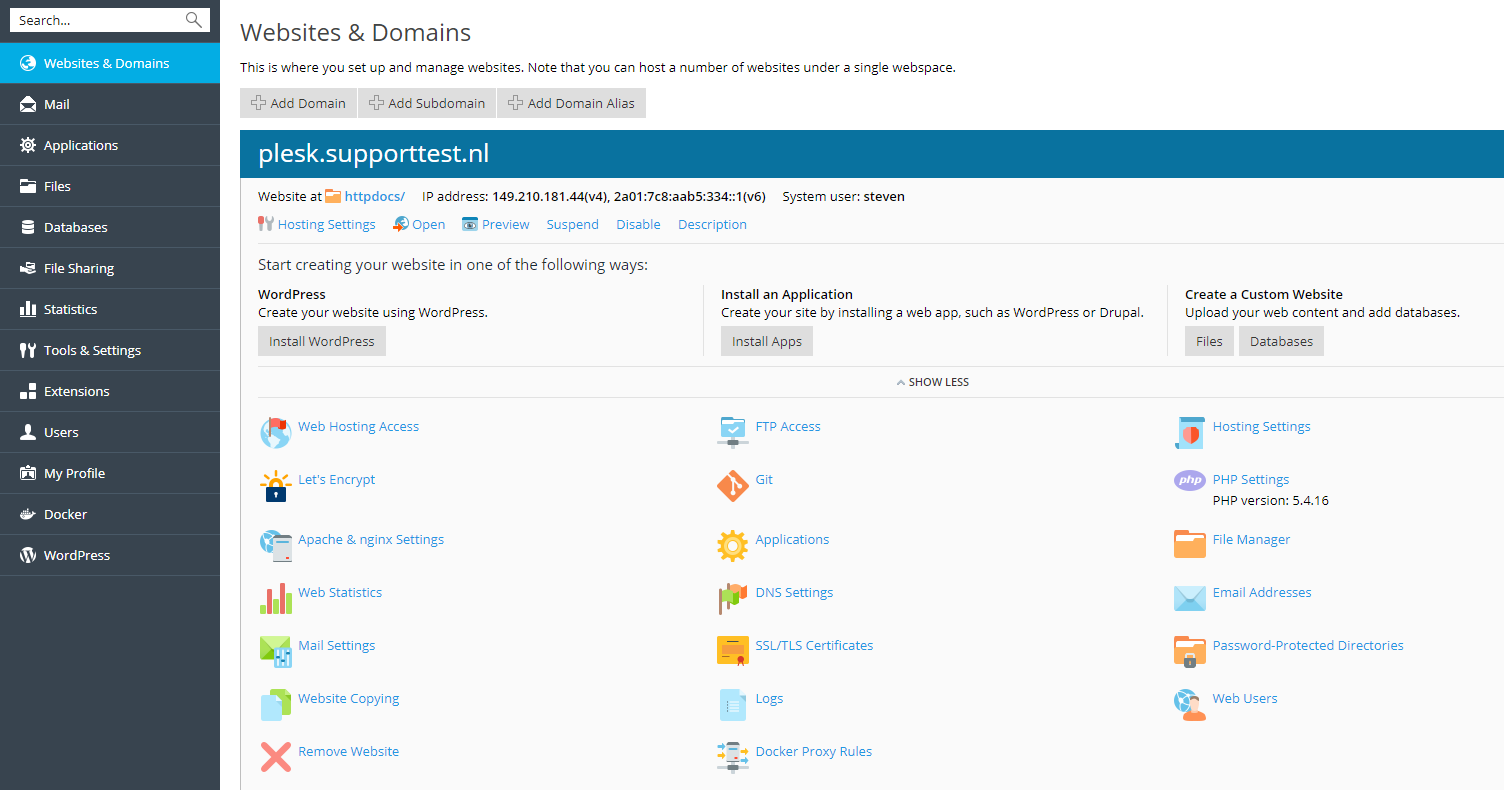
Plesk Power User view
The Power User view is intended to provide a simple interface for managing websites, email accounts, and other services. The screenshot below is an example of the appearance of the Power User view.
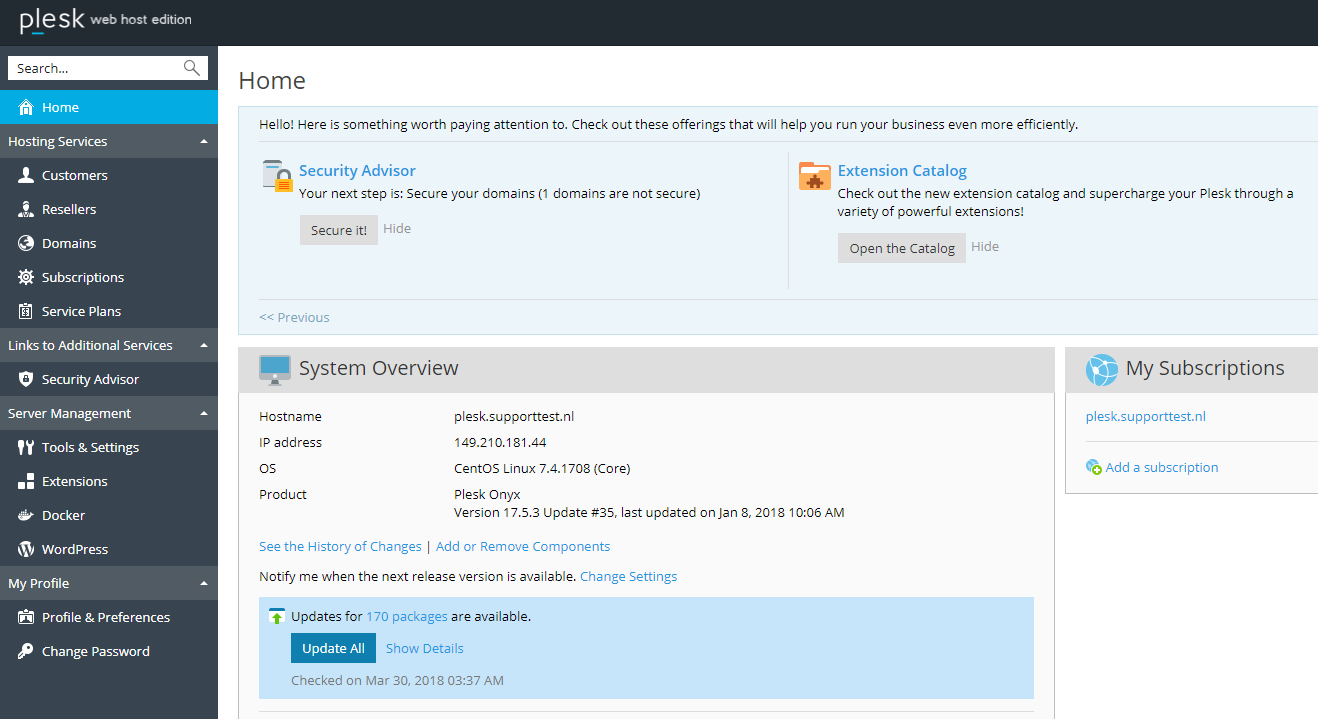
Plesk Service Provider view
This option is intended to make a more advanced distinction between administrators, resellers, and users. The Service Provider view comes with a system to automatically bill customers. The screenshot below is an example of the appearance of the Service Provider view.
Check out our Plesk tutorial series or Plesk page for more information about Plesk.